The whole world,
is on air.
Browse internet radio by genre and by country, tune in with a single tap, and see the track that’s playing right now — with artwork. Free to download, with an optional Premium upgrade.
- Free to download
- 20 genre shelves
- Browse by country
- CarPlay ready
- Requires iOS 26 or later
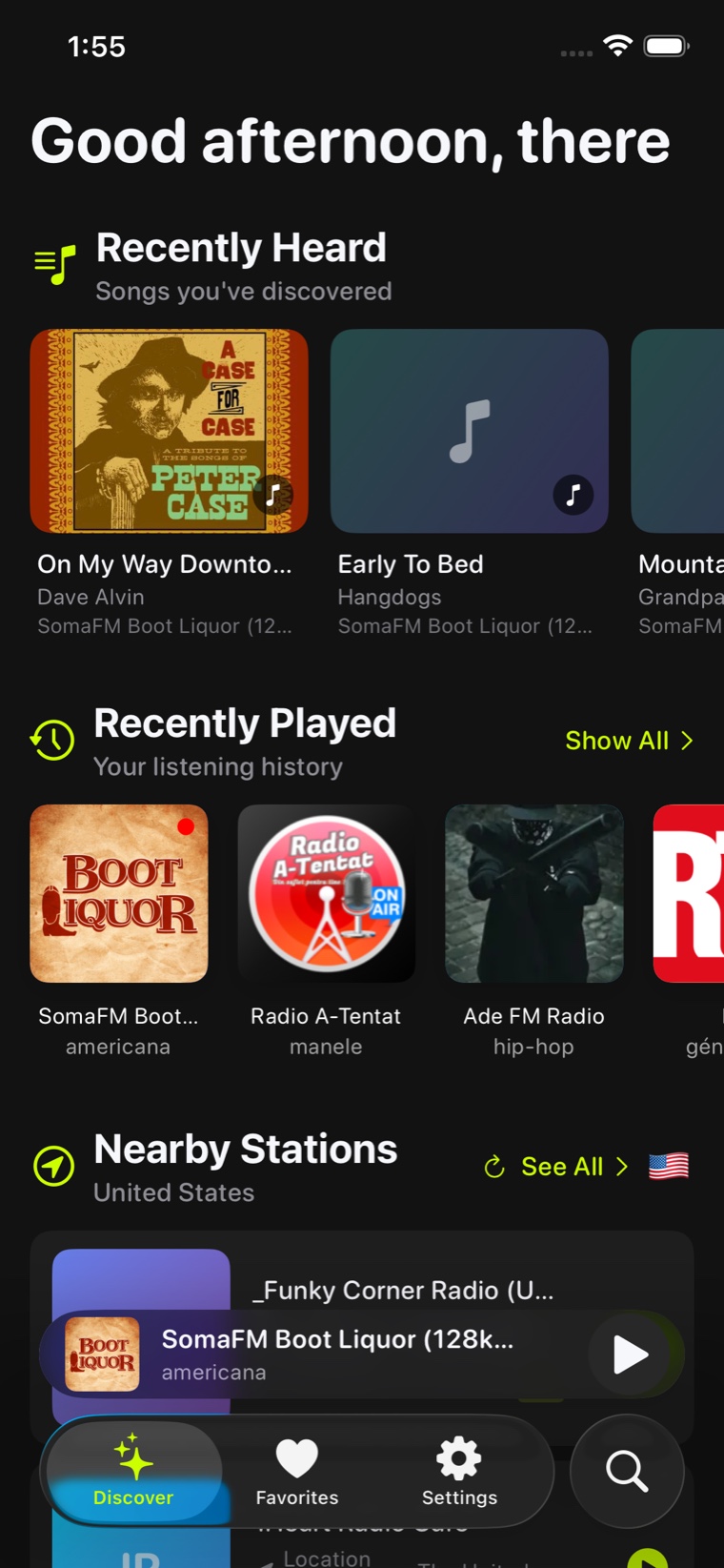
Start where the signal is strongest
What you were just listening to at the top, stations near you underneath, and every genre and country a tap below.
- Recently played stations and recently heard tracks up front
- Nearby stations, found from your location
- Genre shelves and country lists side by side
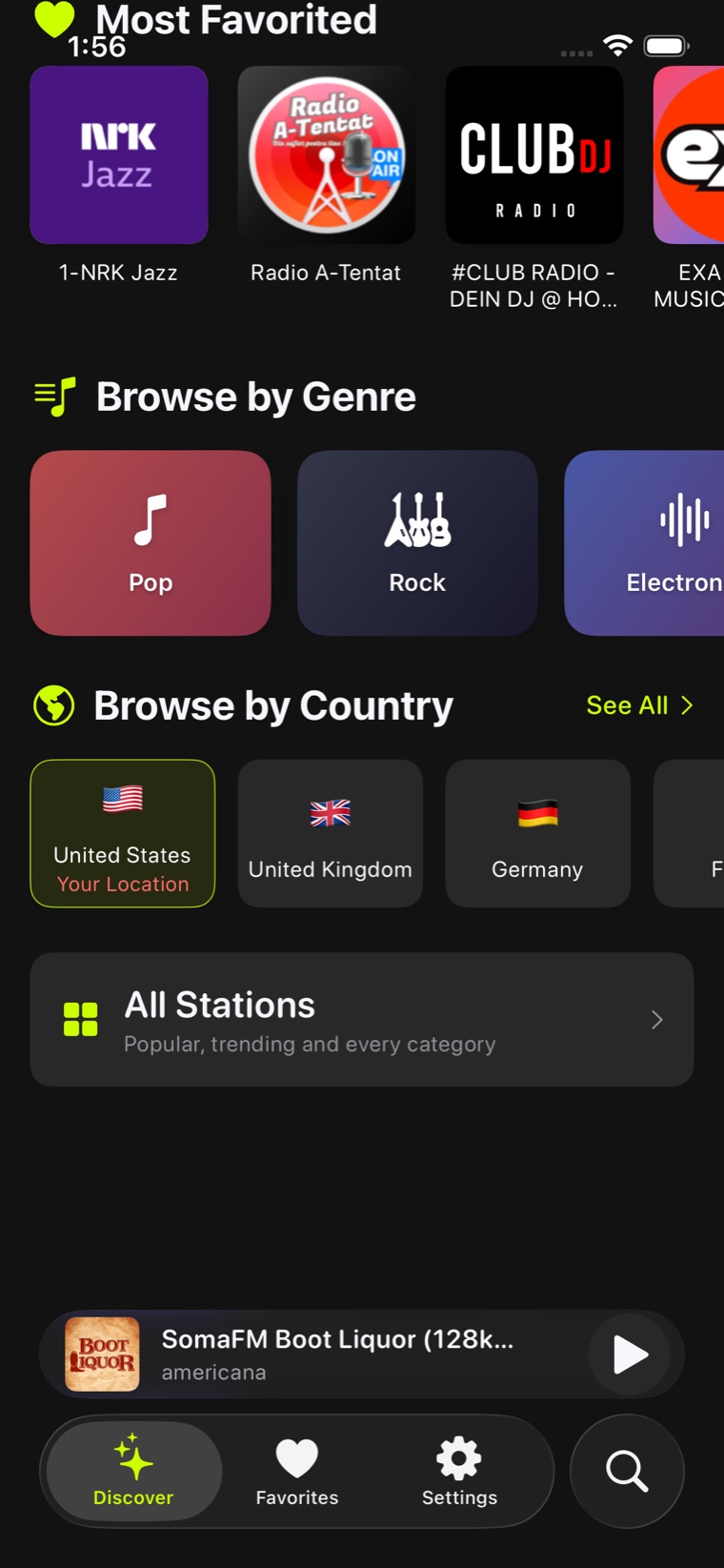
Twenty genres. Countries worldwide.
Pick a mood or pick a place. Both are first-class ways in.
- Twenty genre shelves, from Classical to Metal to Talk
- Browse by country to hear a city the way it hears itself
- An A–Z index rail on long lists, so you never scroll blind
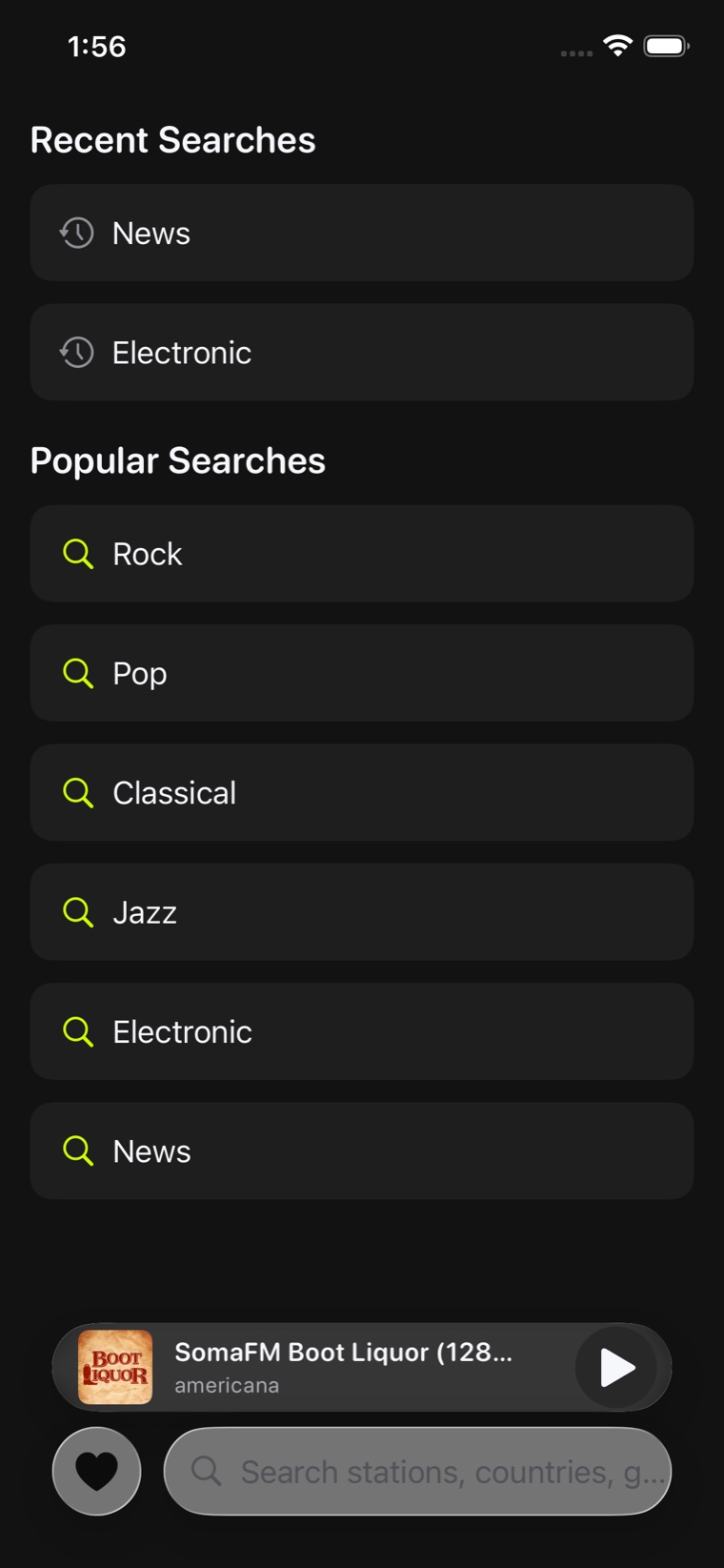
If you know its name, you’re one tap away
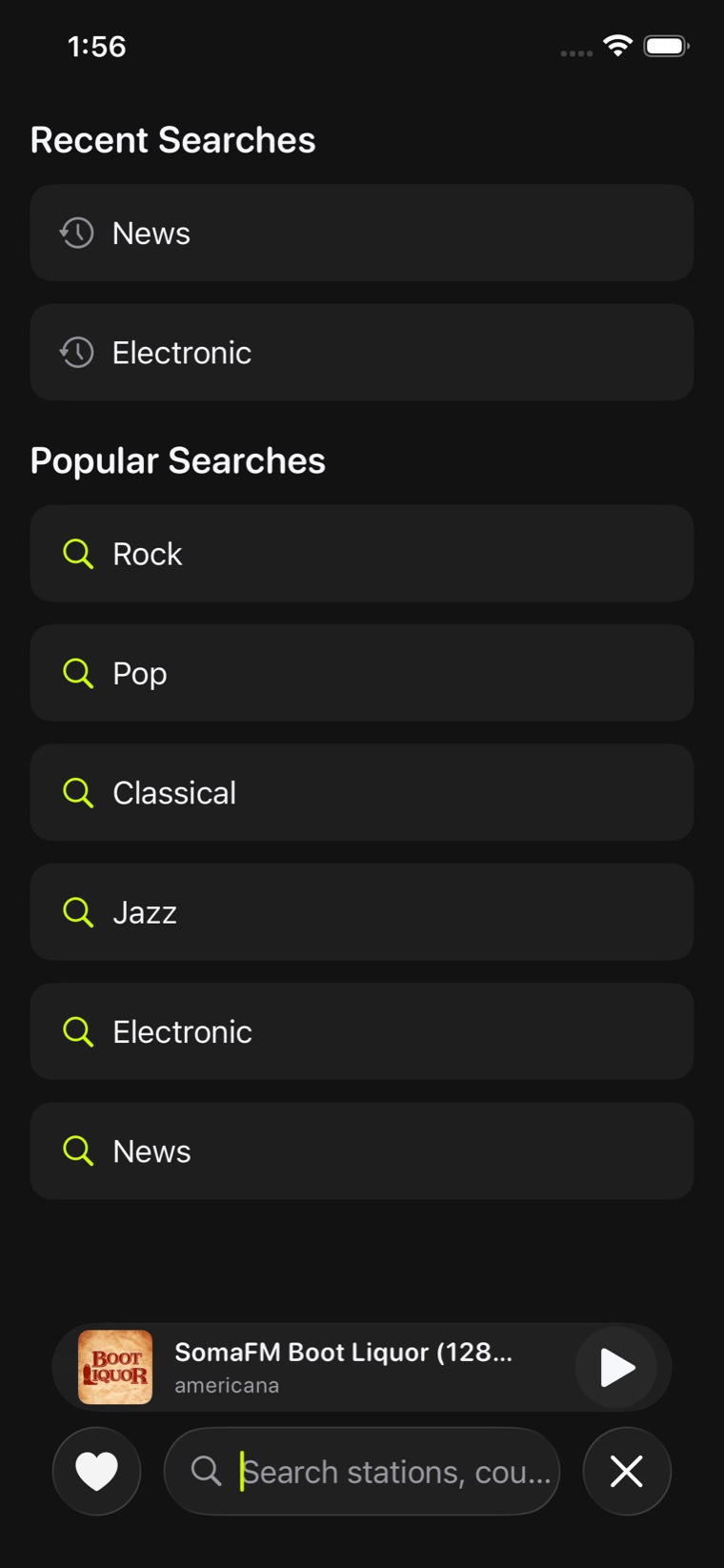
Full-text search across stations, genres and countries — with your recent searches kept for next time.
- Search stations, genres and countries in one field
- Recent searches saved so you can jump straight back
- Results carry their quality rating, so you can pick the good stream
Built for how you actually listen
From the car to the pillow: the whole app, on one screen of tiles.
Know what you’re hearing
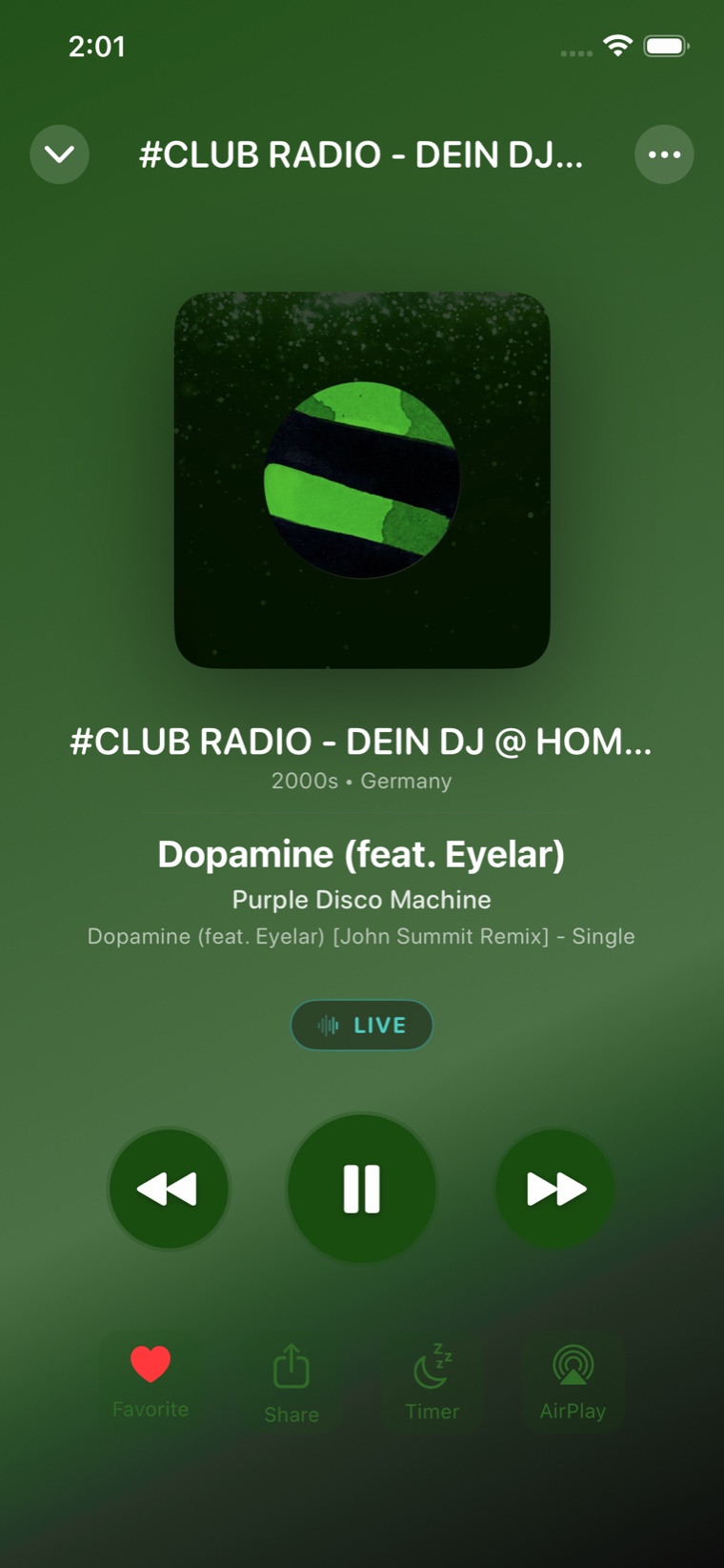
Stations broadcast the track they’re playing over the stream itself. Listen Now Radio reads it live and pairs it with artwork, so the now-playing screen shows the song and not just the call sign. When a station sends nothing, the station’s own name, genre and country take its place — and on Premium the app can identify the song by listening to the stream instead.
CarPlay, properly
Favorites, Recents and Browse as real CarPlay tabs, plus a Now Playing screen with play, pause and favourite. Set it up once at home and never touch it while driving.
Star-rated streams
Every station carries a 1–5 star rating combining its audio bitrate with how reliable its track info is. HD marks 320 kbps and above.
Stations near you
Allow location once and Listen Now Radio surfaces broadcasters around you — the local way to find local radio.
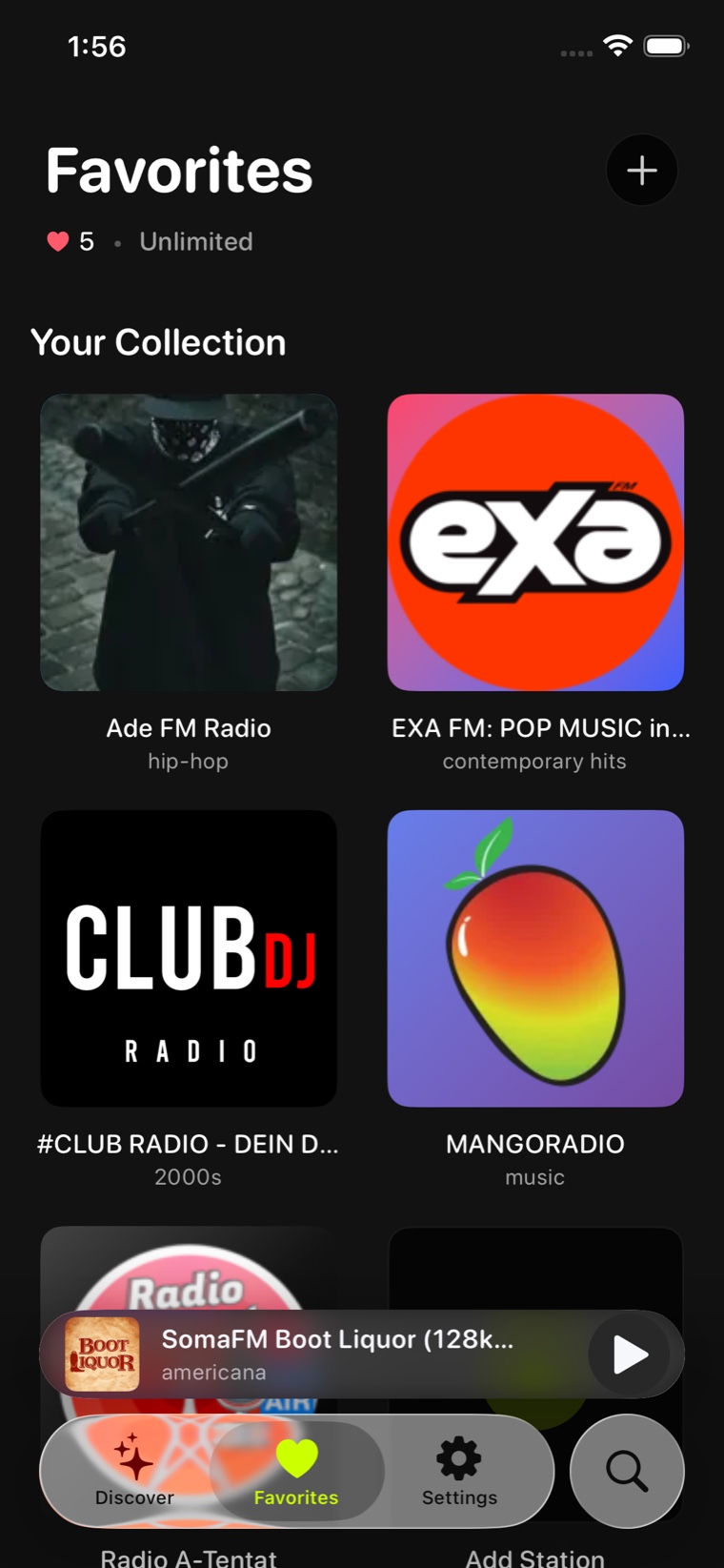
Favourites, one tap away
Star the stations you keep coming back to and they are waiting on the Favorites tab — and in CarPlay. Premium removes the limit on how many you can keep.
Recently played
The app remembers what you tuned into, so getting back to last night’s station is one tap.
Sleep timer
PremiumSet a countdown and the stream fades out on its own. A Premium feature.
Plays while you’re elsewhere
PremiumKeep listening with the app in the background or the screen locked, with lock-screen controls. A Premium feature.
AirPlay & Bluetooth
Hands off to a speaker, a car or headphones through the system audio session — no extra setup.
Try before you install
The App Clip lets someone hear a station straight from a link, without downloading anything first.
Five stars.
Two questions.
One number.
Internet radio is a directory of other people’s servers, and the quality varies wildly. Listen Now Radio scores every station so you can tell a good stream from a bad one before you commit to it.
- 40%
- Audio qualityStream bitrate. 320 kbps and above is marked HD.
- 60%
- Metadata reliabilityHow consistently the station broadcasts the track that is playing.
Filters in Settings let you prioritise HD stations, or favour the ones with dependable track info.
What the track-info tiers mean
- GoldTrack name and artist, reliably, on every song.
- SilverConsistent track info with occasional gaps.
- BronzeTrack info some of the time.
- BasicNo track info — the station name and genre are shown instead.
Free to listen. Premium when you want more.
Downloading Listen Now Radio costs nothing and the whole world’s radio is browsable and playable out of the box. Premium lifts the limits and turns off the ads.
Free
Browse and play the whole directory, at no cost.
- Browse and play stations worldwide
- Search by station, genre or country
- Star one favourite station
- Your last five stations and last five tracks
- Supported by ads
Premium
3-day free trialOptional. Renews weekly until you cancel.
- Unlimited favourites
- Full listening history and recently played
- Keeps playing in the background and on the lock screen
- Sleep timer
- Identifies songs by listening, on stations that broadcast no track info
- No ads
Premium starts with a 3-day free trial, then renews weekly until you cancel. The exact price for your region is shown in the App Store before you confirm. Cancel any time from Settings → your name → Subscriptions on your iPhone.
Tune in to the world.
Free to download. Optional Premium with a 3-day free trial.